Best Tools to Schedule WhatsApp Messages for Business for Ecommerce Teams in 2026
You are losing sales because your WhatsApp messages go out at the wrong time. Ecommerce buyers in different time zones miss flash sale alerts, cart recovery nudges and restock announcements when your team sends them manually. Many platforms also charge per message or bury scheduling behind higher tiers, which pushes teams to look for alternatives.
This article breaks down what actually matters in a scheduling tool for ecommerce: campaign timing, catalog support, automation triggers and pricing structure. You will get a clear comparison of eight tools, from Com.bot to Wati, plus a straightforward framework for picking the one that fits your store.
What to Look For in WhatsApp Message Scheduling Tools for Ecommerce
When evaluating WhatsApp message scheduling tools for your ecommerce business in 2026, you need to look beyond basic automation and consider how well each platform handles the unique demands of online retail. The right tool should reduce manual work while keeping every message timely, compliant, and relevant to the shopper receiving it.
The checklist below covers the criteria that matter most for ecommerce teams running promotional campaigns, cart abandonment recovery, and long-term customer retention on the WhatsApp Business Platform.
WhatsApp Business API and template support. Any serious scheduling tool must operate through the official WhatsApp Business API rather than unofficial workarounds, because only API-based access supports reliable automation at scale. Confirm that the tool supports approved template messages, since Meta requires pre-approved templates for most business-initiated conversations. A tool that makes template submission and category management straightforward saves your team time and reduces rejection risk.
Scheduling flexibility. Look for support for both one-time messages and recurring messages, such as weekly restock alerts or monthly re-engagement nudges. Time zone scheduling is equally important. A message that lands at 3 a.m. in a customer's local time feels intrusive, so the tool should let you schedule against the recipient's time zone, not just your own.
Bulk messaging and drip campaigns. Ecommerce teams often need to reach large segments at once, so broadcast messages and bulk messaging capabilities are essential. Equally valuable is drip campaign functionality, which lets you build a sequence of automated messages triggered by customer behavior rather than sending everything at once. Together, these features support both broad promotional campaigns and personalized follow-up flows.
Ecommerce platform integrations. The tool should connect with platforms such as Shopify or WooCommerce so message triggers fire from real order and browsing events. Key use cases include:
- Cart abandonment recovery, triggered when a shopper leaves without completing checkout
- Order confirmation messages sent the moment a purchase is placed
- Shipping updates when an order leaves the warehouse
- Delivery notifications when a package arrives
- Re-engagement messages for customers who have not purchased in a while
Without native integrations, teams end up exporting data manually, which slows response times and introduces errors.
Analytics and performance tracking. You cannot improve what you do not measure. Prioritize tools that report on open rate, click-through rate, and conversion rate at the message and campaign level. These metrics tell you which templates resonate and which segments respond, so you can refine your scheduling strategy over time.
Response time and scalability. Customers expect fast replies during business hours, and the tool should help you meet that expectation through automation and routing. Scalability matters just as much. A platform that handles a few hundred messages a month may struggle during a peak season sale, so ask how each option performs under high volume before you commit.
Compliance with Meta policies. Every scheduling tool must respect Meta's messaging rules, including opt-in requirements and template categories. A tool that guides your team through approved template creation and flags compliance issues protects your business number from restrictions. This is not a nice-to-have. It is a baseline requirement for any WhatsApp automation software you adopt.
How to use this checklist. Score each candidate tool against the criteria above, weighting the items that match your biggest revenue drivers. A store focused on abandoned cart recovery will care most about platform integrations and trigger speed. A brand running frequent promotional campaigns will prioritize bulk messaging, time zone scheduling, and template management. A subscription business will lean toward drip campaigns and customer retention flows. Match the tool to your use case rather than chasing the longest feature list, and revisit your choice as your message volume and channel strategy grow through 2026.
1. Com.bot - Best Overall
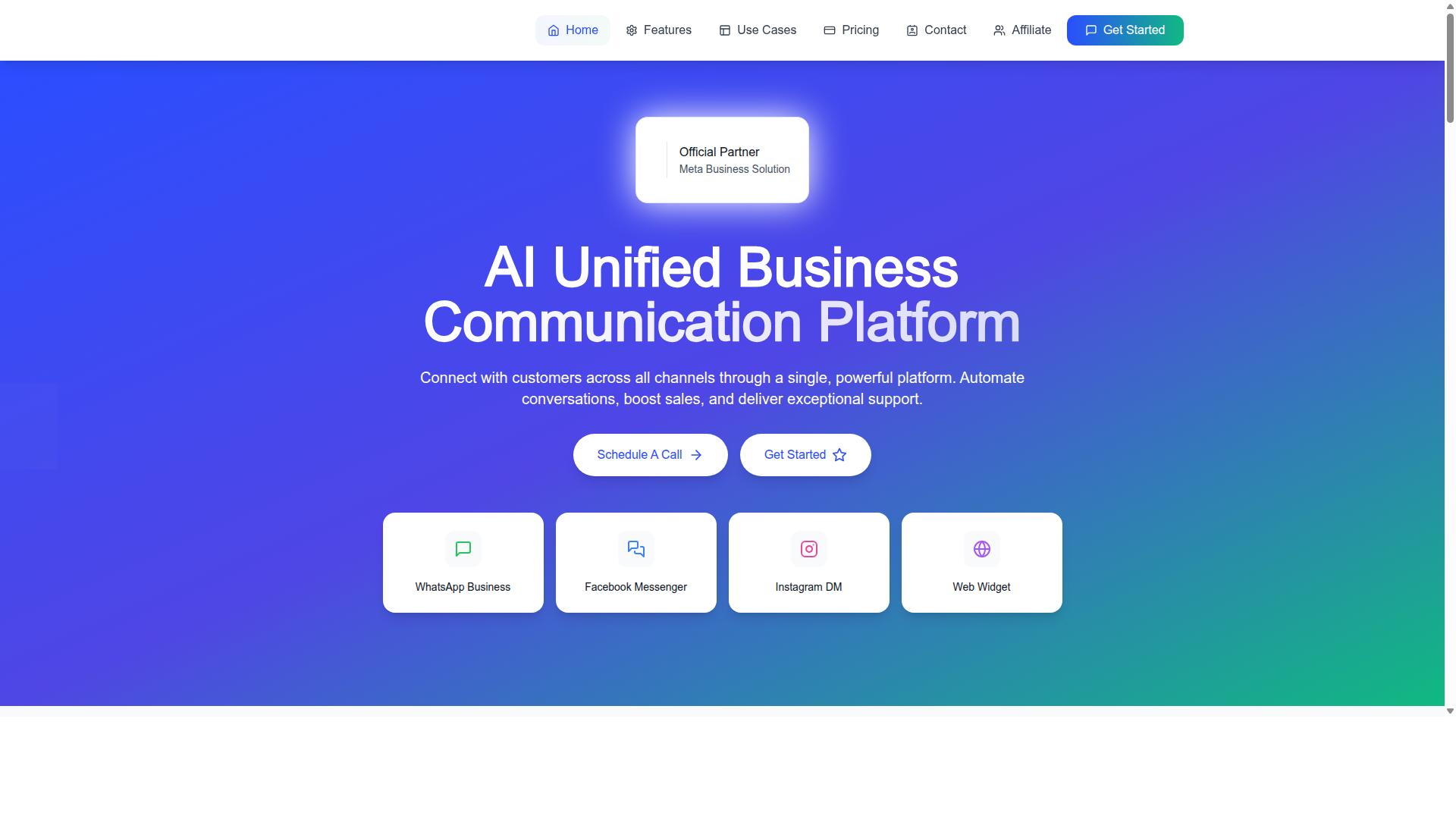
Com.bot stands out as the best overall WhatsApp message scheduling tool for ecommerce in 2026, thanks to its robust automation features, seamless multi-channel support, and proven track record with over 23,000 active customers. As an official Meta Business Partner, it processes more than 25M+ messages per day while keeping conversations encrypted end to end.
For online stores, that combination matters. Scheduling tools live or die on delivery reliability and account safety, and a verified Meta partner with enterprise-grade security removes much of that risk.
Com.bot also covers the moments ecommerce teams care about most: cart abandonment recovery, order confirmations, and shipping updates. The sections below break down the scheduling features and pricing in detail.
Key Scheduling & Ecommerce Features
Com.bot offers a comprehensive suite of scheduling and ecommerce features designed to automate the entire customer journey, from cart abandonment recovery to post-purchase follow-ups. The Visual Bot Builder uses a drag-and-drop interface, so teams can map automated flows without writing code.
Scheduling covers one-time messages, recurring messages, drip campaigns, and time zone-based scheduling, which helps when buyers are spread across regions. Bulk messaging and broadcast messages are supported through approved templates.
A unified team inbox keeps WhatsApp, Facebook Messenger, Instagram DM, and the Web Widget in one place, so agents never lose context between channels. Native payments for WhatsApp transactions let customers pay inside the chat instead of jumping to a browser.
Analytics track open rates, click-through rates, and conversion rates, giving ecommerce teams a clear read on which sequences earn revenue. The Automation Builder connects to 1000+ integrations, linking WhatsApp automation software to existing store and CRM systems.
- Visual Bot Builder with drag-and-drop flows
- Unified Team Inbox across four channels
- Native Payments for WhatsApp transactions
- Bulk Messaging and broadcast messages via approved templates
- Automation Builder with 1000+ integrations
- Order Updates, Customer Support, and Notifications
Together, these pieces support the full loop: capture attention, recover abandoned carts, confirm purchases, and keep buyers informed until delivery.
Pricing & Plans
Com.bot offers transparent pricing with three tiers to suit different business sizes, starting at $149 per quarter for the Silver Plan. The Gold Plan at $349 per quarter is the recommended option for growing ecommerce businesses, while Platinum V1 at $2500 per quarter serves larger operations with heavier demands.
Add-ons cost $10 per month each for an additional team member, a social channel, or external actions per 5000. WhatsApp messaging itself is billed at actual Meta rates with no markup, which keeps conversation costs predictable as volume grows.
Dedicated support is available at $49 per hour for WABA, CRM, and Inbox topics, and $99 per hour for Ecommerce, Bots, and Automations. Pricing is listed in USD, and the site offers an INR toggle, so teams should verify currency before purchase.
| Plan | Price | Best For |
|---|---|---|
| Silver | $149 per quarter | Small teams starting with WhatsApp scheduling |
| Gold | $349 per quarter | Growing ecommerce businesses (recommended) |
| Platinum V1 | $2500 per quarter | Large operations with high message volume |
For most ecommerce teams, the Gold Plan balances capability and cost. Smaller stores can begin on Silver and add channels or team members as needed, while high-volume retailers gain more headroom on Platinum V1.
2. AiSensy
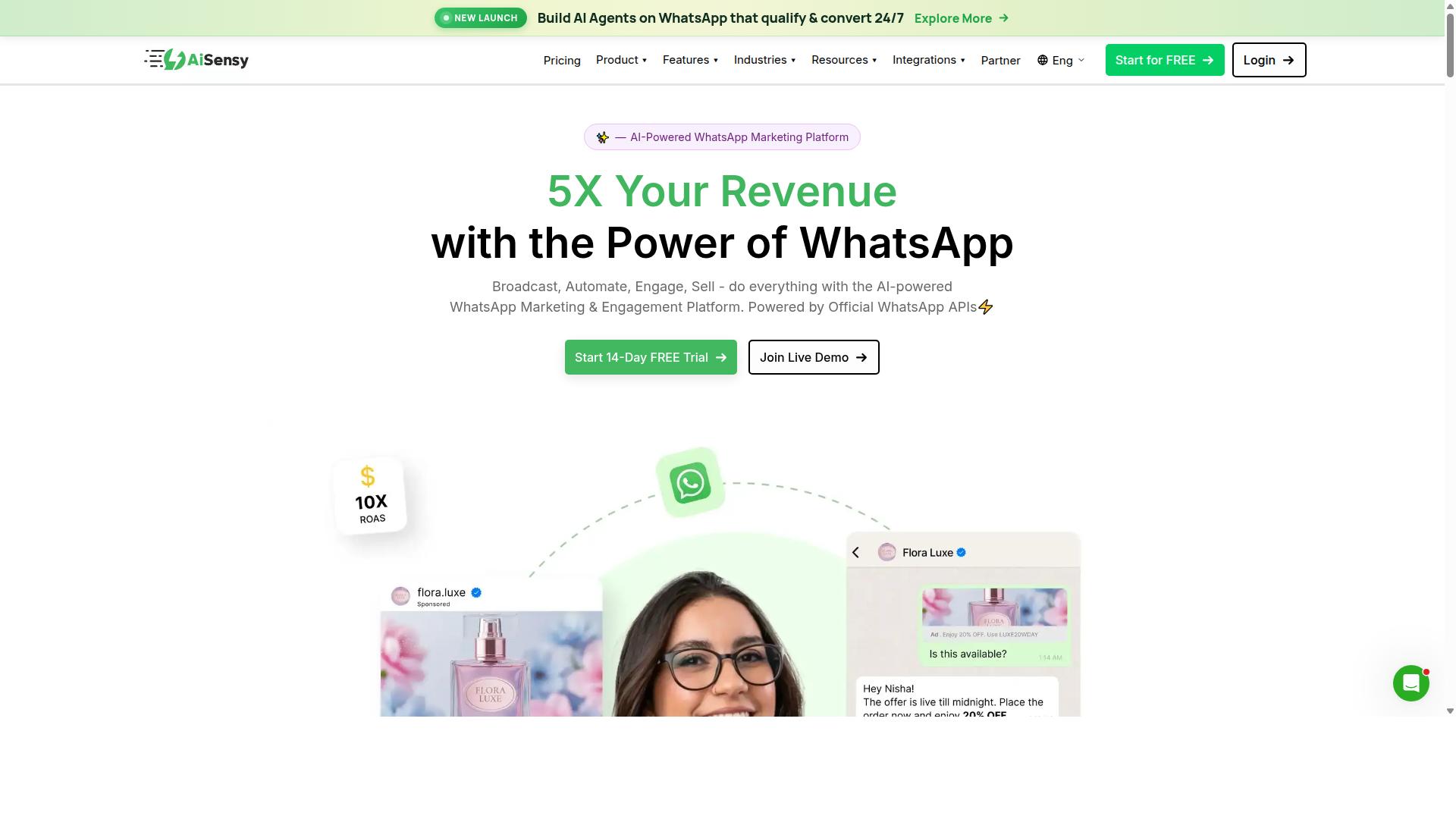
AiSensy is a popular WhatsApp marketing and automation platform that offers scheduling capabilities suitable for ecommerce businesses looking to streamline their messaging. Built on the official WhatsApp Business API, it is a no-code platform positioned for SMBs, D2C brands, and teams that rely heavily on WhatsApp marketing and automation. As an Official BSP, it works within Meta's approved framework for template messages and broadcast sends.
For ecommerce teams, the appeal is straightforward. You can plan promotional campaigns in advance, queue broadcast messages to segmented audiences, and set up basic drip campaigns that move a shopper through a sequence over time. Because it connects to the official API, scheduled sends follow Meta's template approval rules, which keeps delivery predictable.
Common scheduling use cases for an ecommerce store include:
- Promotional campaigns timed to sales or product drops
- Drip campaigns for re-engagement and customer retention
- Broadcast messages to segmented contact lists
- Basic automation flows tied to opt-ins and replies
Its strengths sit in accessibility and speed of setup. The platform is no-code, so marketing teams can launch automated messaging without developer help. Publicly listed pricing starts at INR 1500/month plus WhatsApp conversation charges, with a free tier available, which makes it an approachable entry point for smaller operations.
There are limitations worth weighing. AiSensy's AI capabilities are generally described as basic or available as add-on flows, so teams wanting deeper predictive or conversational automation may find the ceiling lower than expected. Advanced segmentation, complex conditional journeys, and fine-grained time zone scheduling may also feel constrained for high-volume stores.
It is best suited to budget-conscious marketing teams, particularly those focused on the India market. Larger ecommerce operations with intricate cart abandonment recovery or multi-step lifecycle programs may outgrow it. Treat AiSensy as a viable option for some teams rather than a universal fit, and confirm current feature availability directly before committing.
3. Interakt
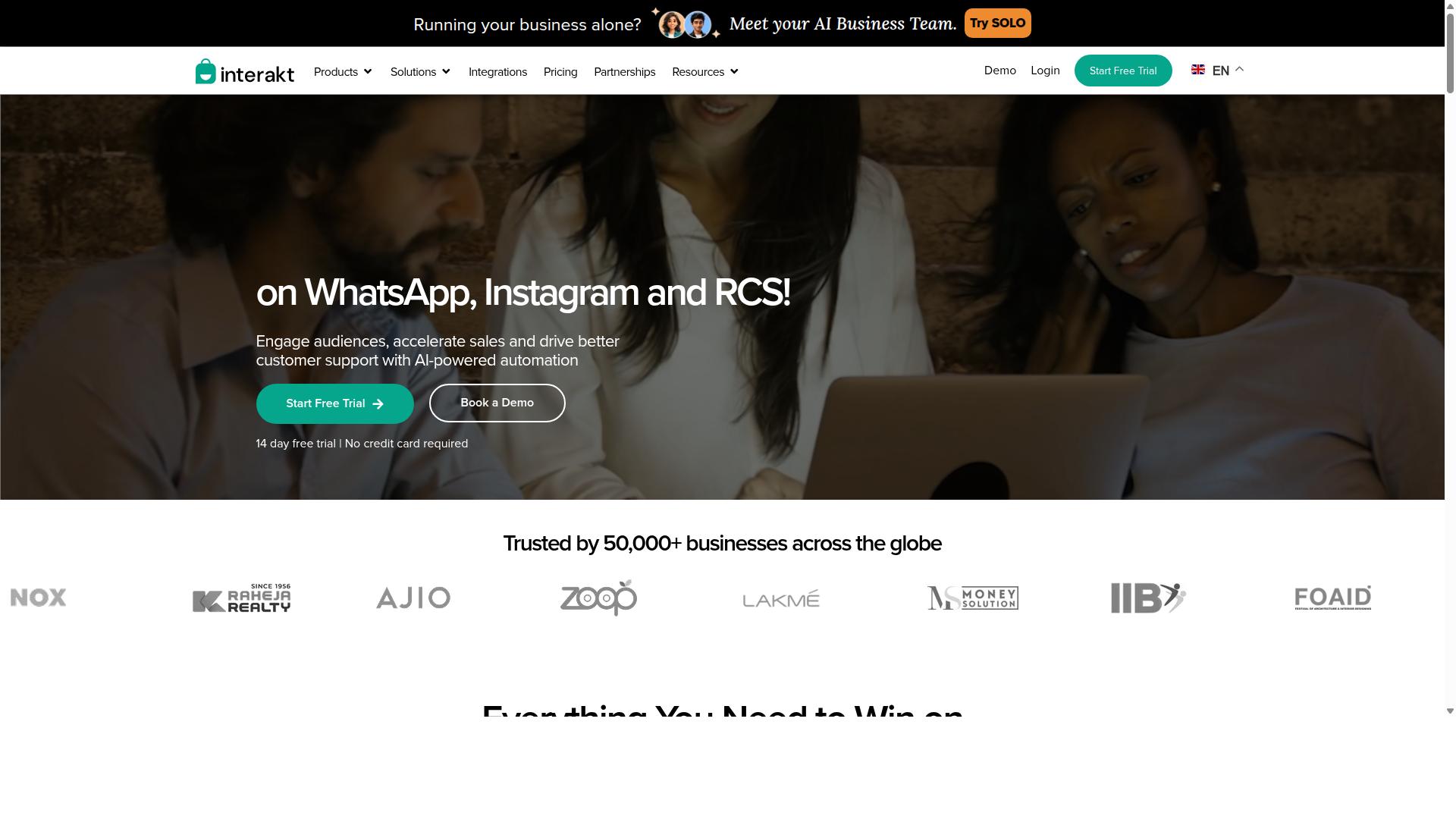
Interakt provides WhatsApp Business API solutions with scheduling features that can help ecommerce teams automate customer communication and recover abandoned carts. It is positioned primarily as a WhatsApp marketing app for Shopify, which shapes both its strengths and its boundaries.
For teams running high-volume stores, the platform bundles campaign scheduling and automation into a single dashboard. Messages can be prepared in advance and released at a chosen time, which helps merchants reach customers in different regions without manually sending each batch.
Interakt supports broadcast messages and drip-style sequences. Broadcasts suit one-time announcements such as sale launches, while scheduled follow-ups work well for cart abandonment recovery and re-engagement flows. Each message still needs to follow Meta's template rules, so approval lead time is part of the planning process.
Automation extends beyond marketing. Common use cases include:
- Abandoned cart reminders with checkout links
- Bulk campaigns for promotions and product drops
- Cash-on-delivery double confirmation to reduce returns
- Automated order updates and delivery notifications
- Auto-replies, chatbots, and AI agents for first-line support
- Instagram automation alongside WhatsApp
Ecommerce integration leans heavily toward Shopify. Order data feeds directly into message triggers, so order confirmation and shipping updates can fire without manual input. A shared team inbox lets support staff pick up conversations that automation cannot resolve, and a chat widget helps capture leads from the storefront.
The interface is generally described as approachable for small and mid-sized teams. Merchants who are new to the WhatsApp Business Platform can usually set up their first scheduled campaign without deep technical help, though the Blue Tick application process still requires patience and documentation.
A few limitations are worth noting. The tool is most tightly coupled to Shopify, so businesses on other platforms may find the integration shallower. Conversation charges sit on top of the subscription, which means total spend scales with message volume rather than staying flat.
Plan tiers range from the Starter Plan at "$21" per month or "$180/year" up to the Premier Plan at "$99" per month or "$839/year with Growth and Advanced options in between. For ecommerce teams comparing scheduling tools in 2026, Interakt is a credible choice when Shopify is the storefront and volume is predictable.
4. Gupshup

Gupshup is a comprehensive conversational messaging platform that offers WhatsApp scheduling and automation tools suitable for ecommerce businesses of various sizes. It works through the official WhatsApp Business API, which means brands can reach customers on the channel they already use daily.
Gupshup is perhaps best understood as a messaging infrastructure layer rather than a single-purpose scheduler. Teams that need WhatsApp alongside other channels often find that breadth useful, while teams that only want to queue up a few broadcasts may find it heavier than necessary.
For ecommerce teams planning their 2026 scheduling stack, Gupshup is worth evaluating when message volume is growing and the workflow needs to scale with it.
Message Scheduling and Campaign Types
Gupshup supports WhatsApp messaging services built on the WhatsApp Business Platform, and its scheduling capabilities extend across several campaign formats that map well to ecommerce operations.
- One-time messages for a single send, such as a flash sale announcement or a restock alert
- Recurring messages for repeat touchpoints, such as a weekly promotion or a scheduled reminder
- Bulk messaging to reach a larger audience segment in one coordinated push
- Drip campaigns that release a sequence of messages over time rather than all at once
These formats cover many of the moments ecommerce teams care about. Cart abandonment recovery, order confirmation, shipping updates, and delivery notifications all fit naturally into a scheduled flow.
Appointment reminders and re-engagement sequences work the same way. Because the platform also handles smart SMS campaigns and alerts, a team can coordinate a WhatsApp send with an SMS fallback when that makes sense for the audience.
One practical note: template messages still need approval before they can be scheduled. Teams should build review time into their calendar so a promotional campaign is not blocked at the last minute.
Scalability and Integration Options
Scalability is one of Gupshup's clearer strengths. It is built to handle high message volumes, which matters for ecommerce teams running promotional campaigns to large contact lists during peak shopping periods.
The platform is also designed to connect with other business systems. That integration layer is what turns a scheduled message into an automated trigger, for example a shipping update that fires when an order status changes rather than on a fixed clock.
For teams thinking about customer engagement at scale, this matters. A scheduler that only sends at set times is useful. A scheduler that reacts to customer behavior is more useful.
Gupshup sits in the latter category, which is why it appears on lists of WhatsApp marketing tools for businesses that automate campaigns and manage conversations in one place. The tradeoff is that realizing that value usually requires some technical work up front.
Setup Complexity and Fit for Smaller Teams
Gupshup may be more complex to set up than a lightweight scheduling tool. The platform covers multiple channels and a broad feature surface, and that breadth can translate into a longer configuration process.
Smaller ecommerce teams without a developer or an integration specialist may find the initial setup demanding. Connecting systems, mapping triggers, and getting templates approved all take coordination.
That does not make it the wrong choice. It means the fit depends on where a team is. Consider Gupshup if:
- Message volume is high or growing quickly
- WhatsApp needs to connect to an existing order or CRM system
- Someone on the team can own the technical setup
- Multi-channel messaging is part of the roadmap
Teams that mainly want to schedule a handful of broadcasts each week, with no integration work, may prefer a simpler scheduling tool and revisit Gupshup as they scale.
Public information on Gupshup does not state pricing or a specific target audience, so teams should confirm current details directly before committing. As with any platform in this roundup, the right choice in 2026 comes down to matching the tool's complexity to the team's actual workflow.
5. MSG91
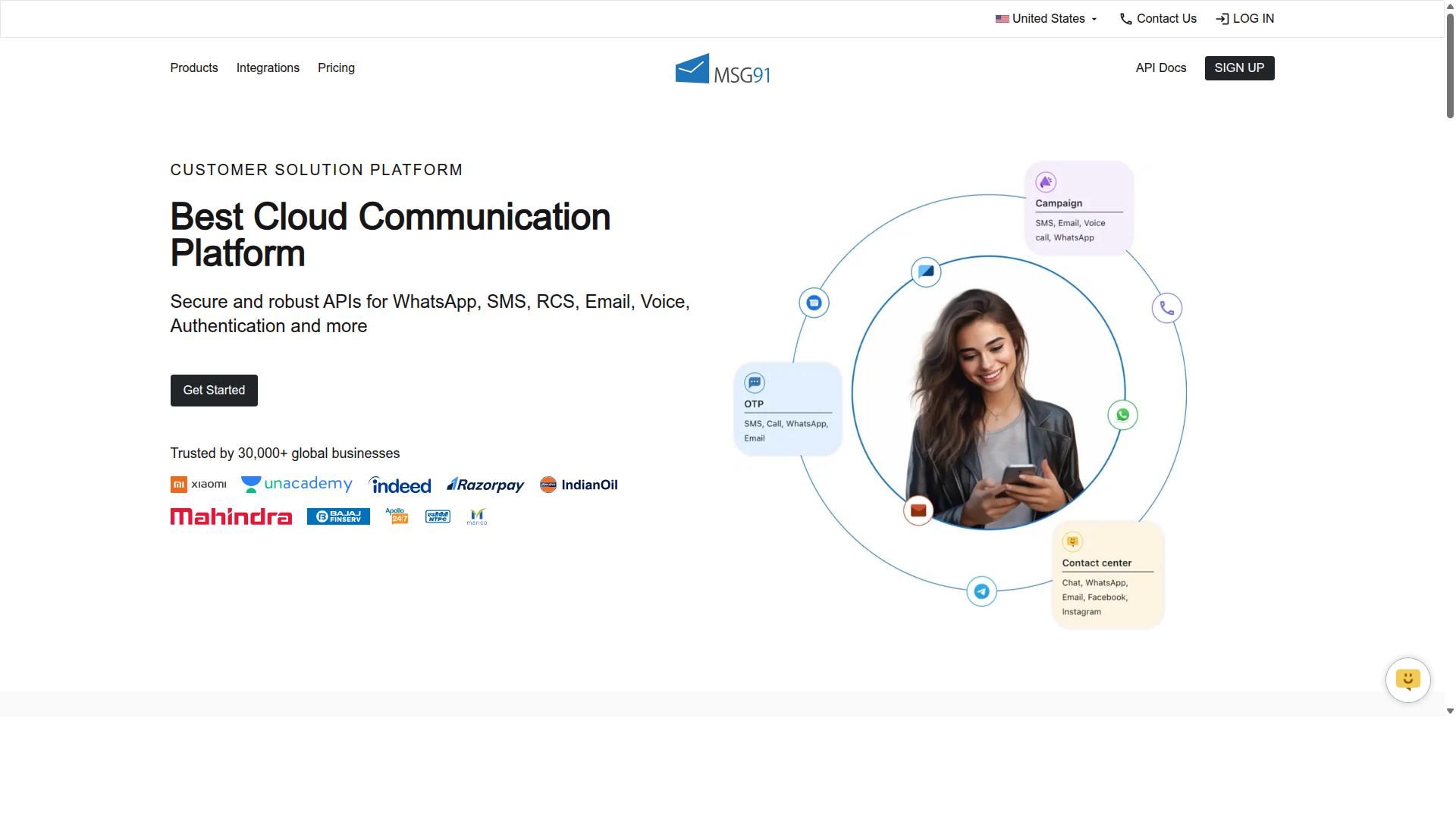
MSG91 offers WhatsApp Business API integration with scheduling capabilities that can support ecommerce automation needs like order updates and promotional campaigns. It is primarily known as a bulk SMS and mobile marketing platform, and its WhatsApp layer sits alongside a broader messaging suite.
For teams comparing scheduling tools, MSG91 is worth a look when SMS and WhatsApp need to run side by side. Public listings describe it as cloud-based, web-based, and hybrid, with access across desktop, mobile, and tablet on Windows, Mac OS, Android, iOS, Linux, and Ubuntu.
Its feature set, as listed on Techjockey, includes Text Messaging, Notification, Bulk SMS Services, Contact Management, Templates, Analytics, Virtual Number, Omnichannel Flow, OTP Generation, Programmable Voice, Programmable SMS, Privacy, Data Security, Seamless Integration, On-demand support, and Regional SMS. That mix points to a platform built around high-volume, event-driven communication.
Scheduling and Automation Features
Scheduling in MSG91 generally revolves around campaign planning rather than a single one-off send. Ecommerce teams can typically line up broadcast messages in advance and let automated triggers handle time-sensitive notifications.
The Omnichannel Flow feature suggests journeys that move across channels, which matters when a customer prefers SMS for one touchpoint and WhatsApp for another. Template management and contact management round out the setup, helping teams keep approved message formats and audience lists organized.
Common ecommerce use cases include:
- Order confirmation and shipping updates
- Delivery notifications and OTP verification
- Promotional campaigns and re-engagement nudges
- Abandoned cart reminders
Because these are transactional in nature, response time and delivery reliability tend to matter more than creative formatting. Automated messaging here is less about conversation and more about dependable, timely dispatch.
Where It Fits and Where It May Not
MSG91 suits businesses that treat WhatsApp as one lane in a wider messaging strategy. Its transactional messaging strengths and OTP generation make it a reasonable fit for order confirmation, delivery notifications, and verification flows.
Pricing is listed as ₹ 1250 for "MSG91 (Private Domain)" with a free trial available, though plans and rates can change, so it is worth confirming current terms directly. The platform is positioned for individuals, small businesses, startups, medium business, enterprise, SMBs, SMEs, MSMBs, MSMEs, and freelancers across all industries, which is a very broad spread.
For advanced ecommerce use cases, there are a few things to weigh. A Techjockey rating of 3.6 overall suggests mixed user sentiment, and a broad, SMS-first positioning can mean less depth in WhatsApp-specific journey building. Teams wanting rich drip campaigns, granular cart abandonment recovery logic, or deep ecommerce platform hooks may find the conversational layer thinner than dedicated WhatsApp automation software.
The practical takeaway: MSG91 is a solid option for high-volume notifications and cross-channel sends, but ecommerce teams with complex retention flows should confirm that the scheduling and automation depth matches their roadmap before committing.
6. Gallabox
Gallabox provides a WhatsApp automation platform with scheduling features designed to help ecommerce teams engage customers through timely messages. Founded in 2020 and headquartered in Chennai, India, the tool is built specifically around the WhatsApp Business API rather than spreading effort across multiple channels.
That single-channel focus gives Gallabox a clear identity. Teams that have already committed to WhatsApp as their primary messaging channel may find the platform's shared inbox and campaign tools align well with how they already work.
Because Gallabox supports WhatsApp only, it is not a fit for ecommerce brands that also need Instagram, Messenger, or other channels handled from the same dashboard. That limitation is worth weighing early in any evaluation.
Pricing starts from $40/mo, which positions it as a competitive option, particularly for businesses operating in the Indian market. Exact plan details and feature tiers should be confirmed directly with the vendor, since offerings in this space evolve quickly.
For scheduling and automation, Gallabox covers the core workflows ecommerce teams tend to need. Its feature set includes:
- Broadcast campaigns for bulk messaging to opted-in audiences
- AI chatbot for handling common customer queries
- Template library for pre-approved message formats
- Analytics and reporting on campaign performance
- Click-to-WhatsApp ads to capture inbound interest
- WhatsApp Payments for completing transactions in chat
- CRM integrations to sync customer records
These capabilities map onto familiar ecommerce use cases such as order confirmation, shipping updates, delivery notifications, and cart abandonment recovery. A no-code bot builder also lets teams assemble common automation flows without heavy developer involvement.
The shared inbox is a notable strength. It is designed with sales teams in mind, and reviewers often describe it as intuitive for managing conversations at volume. For teams juggling many simultaneous customer threads, that usability matters.
There are trade-offs to consider. The AI chatbot is still maturing compared with more established automation suites, and the platform offers fewer third-party integrations than some broader competitors. Ecommerce teams with complex tech stacks should verify that their existing tools connect before committing.
In short, Gallabox suits WhatsApp-first businesses that want scheduling, broadcast messages, and drip-style campaigns in one place. Teams needing multi-channel coverage or deeper integration libraries may want to compare alternatives before deciding.
7. SleekFlow
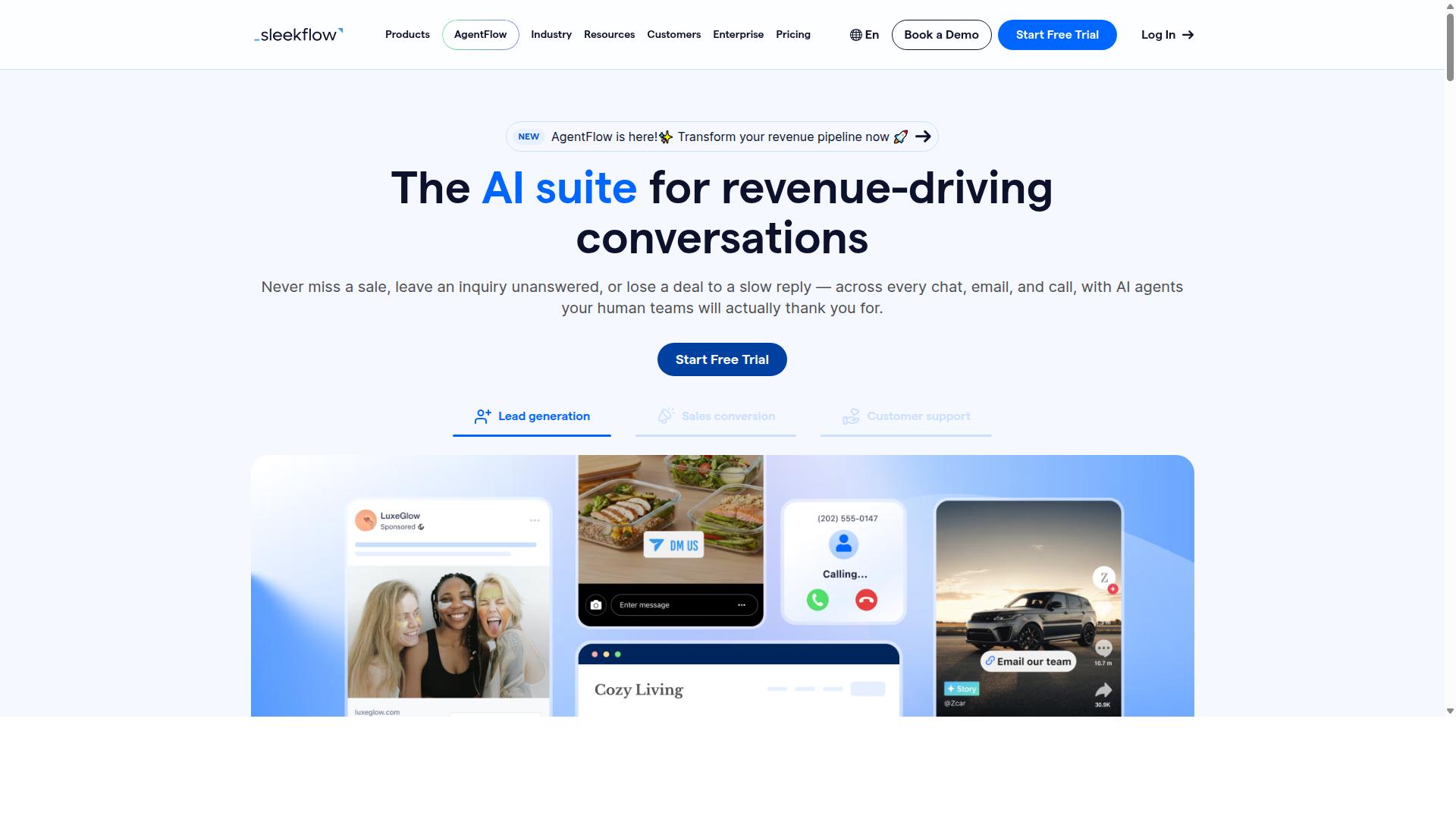
SleekFlow is a conversational commerce platform that includes WhatsApp scheduling tools for ecommerce businesses looking to automate customer interactions. It operates as an official WhatsApp Business Solution Provider, which means scheduling and broadcast features run through the WhatsApp Business Platform rather than a workaround.
For ecommerce teams, the appeal is consolidation. Instead of juggling separate dashboards for social DMs, chat, and WhatsApp, everything lands in one omnichannel team inbox. That matters when order confirmation, shipping updates, and delivery notifications all need to reach customers on the channel they actually check.
Scheduling and automation sit at the center of the product. Teams can prepare broadcast campaigns in advance and let automation flows handle the follow-up, while WhatsApp Flows and AI-powered chatbots manage common questions without human intervention.
- Omnichannel team inbox covering WhatsApp, Instagram, and Messenger
- Broadcast campaigns for promotional messages and announcements
- Automation flow builder for drip campaigns and triggered replies
- WhatsApp Flows and AI-powered chatbots for structured interactions
- Unified CRM, ticketing, and chat or conversion analytics
- Catalog and payment links for in-chat browsing and checkout
These pieces support the usual ecommerce plays: abandoned cart recovery, re-engagement of quiet customers, appointment reminders, and recurring messages tied to a customer lifecycle. A flow builder is especially useful for teams that want time zone scheduling and business hours rules without writing code.
Pricing follows a tiered model. SleekFlow lists a free Startup tier, Pro at $129 including 2,000 contacts, and Premium at $349 including 12,000 contacts, with Enterprise pricing available on request. WhatsApp messaging is billed separately with a markup, so total cost depends heavily on message volume.
The main limitation to weigh is that markup structure. High-volume bulk messaging can push real costs above the headline subscription, and teams should model that before committing. The platform reports more than 7,000 enterprises across 70 countries using it, which suggests it handles scale, though the depth of ecommerce-specific integrations may vary by region and store setup.
For a mid-sized store that wants one dashboard for chat, campaigns, and automation, SleekFlow is a reasonable shortlist candidate. Teams that mainly need tight scheduling control plus predictable WhatsApp costs should compare it carefully against tools with clearer messaging economics.
8. Wati
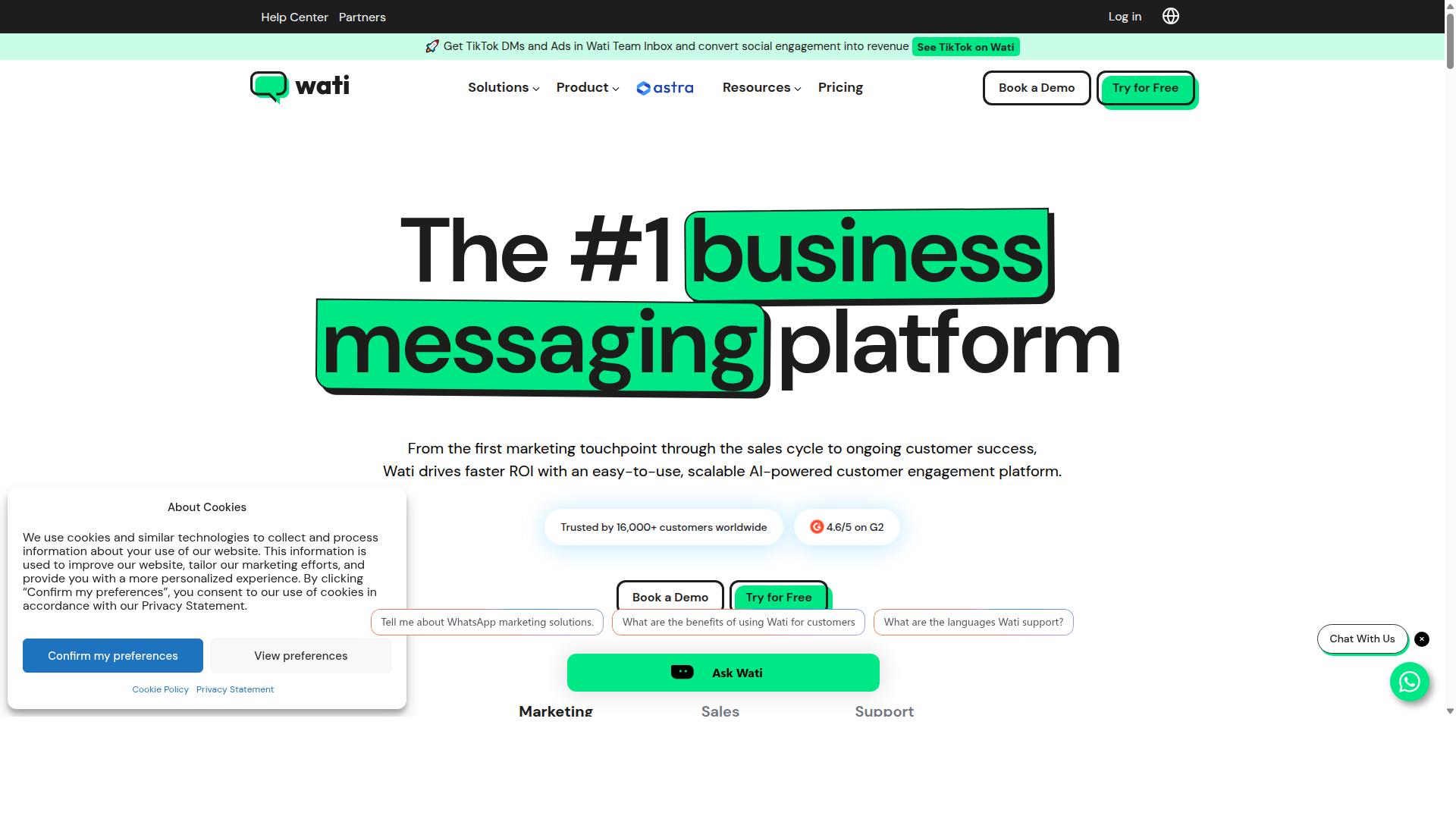
Wati offers WhatsApp Business API solutions with scheduling features that can help ecommerce teams automate messages and improve customer engagement. It is widely listed among the top WhatsApp marketing platforms, and public descriptions often position it as one of the more complete and user-friendly choices for small and mid-sized businesses.
For teams weighing scheduling tools in 2026, Wati's appeal tends to rest on how much it bundles into a single platform rather than on any one standout feature. That bundling approach can reduce the number of separate subscriptions an ecommerce operation needs to manage.
Its core strengths, based on publicly available information, center on broadcast campaigns and AI automation. The platform also combines CRM functions, chatbots, and automation in one place, which suits smaller teams that prefer a single dashboard over a patchwork of tools.
Scheduling-related capabilities that ecommerce teams typically evaluate in a platform like this include:
- Campaign scheduling, so promotional campaigns can be queued in advance
- Drip campaigns that send a sequence of template messages over time
- A shared team inbox for handling replies across agents
- Chatbot flows that respond outside normal business hours
- Broadcast sending for bulk messaging to opted-in contact lists
These are the kinds of features that support cart abandonment recovery, order confirmation, shipping updates, and delivery notifications without someone manually sending each message. For a small ecommerce team, that level of automation can meaningfully cut the effort behind routine customer engagement.
Wati's interface is generally described as easy to use, which matters when the people running campaigns are marketers rather than developers. A gentler learning curve can shorten the time between signing up and sending a first scheduled broadcast.
Integration options are another common consideration. Ecommerce teams usually want their messaging platform to connect with the storefront, helpdesk, or CRM they already run, so it is worth confirming which connections are supported before committing.
There are potential limitations to weigh for more advanced ecommerce needs. Public sources describe Wati primarily as a fit for SMBs, so larger operations with complex segmentation, multi-region time zone scheduling, or heavy data requirements may find the ceiling arrives sooner than expected.
As with any platform in this category, exact capabilities, limits, and commercial terms change over time. Ecommerce teams should verify current feature sets and pricing directly with the vendor, and run a small pilot before rolling scheduling out across the full customer base.
How to Choose the Right Option
Choosing the right WhatsApp message scheduling tool for your ecommerce business depends on your specific needs, budget, and the scale of your operations. A tool that suits a small shop sending order confirmations may fall short for a team running cart abandonment recovery and promotional campaigns at volume.
The sections below walk through the main factors to weigh: your use cases, required features, cost, platform integrations, and WhatsApp policy compliance. Work through each one before committing to a subscription.
Step 1: Map your ecommerce use cases. Start by listing the messages you actually need to send. Common examples include cart abandonment recovery, order confirmation, shipping updates, delivery notifications, appointment reminders, and re-engagement campaigns.
Each use case has different requirements. Order confirmations are usually one-time messages triggered by a purchase event. Promotional campaigns and drip campaigns need bulk messaging and scheduling across time zones.
Step 2: Evaluate the features you need. Match the tool's capabilities to your use case list. Key features to check include:
- Bulk messaging for promotional campaigns and broadcast messages to large segments
- Drip campaigns for sequences that nurture leads or recover abandoned carts over several days
- Analytics covering open rate, click-through rate, and conversion rate so you can measure results
- Time zone scheduling and recurring messages for teams serving customers in multiple regions
- Template messages that comply with approved template requirements on the WhatsApp Business Platform
If your team handles high volumes, look for WhatsApp automation software that supports both one-time messages and recurring messages without manual intervention.
Step 3: Consider budget and scalability. Pricing models vary widely. Some tools charge per contact, others per message or per seat. Estimate your monthly message volume and contact list growth over the next year, not just today's numbers.
A cheap plan that caps broadcasts or locks analytics behind a higher tier often costs more once you scale. Ask how pricing changes as your ecommerce team grows and your sending volume increases.
Step 4: Check integration with your existing platform. Your scheduling tool needs to connect cleanly with your ecommerce stack, whether that is a storefront platform, CRM, or helpdesk. Poor integration means manual exports, delayed shipping updates, and errors in order data.
Confirm which integrations are supported before trialing. Test the connection with real order data during your trial period rather than assuming it works.
Step 5: Ensure compliance with WhatsApp policies. All business messaging on the WhatsApp Business Platform runs through the WhatsApp Business API and Meta's rules. This includes opt-in requirements, approved template messages, and restrictions on promotional content.
Choose a tool that helps you manage opt-ins and template approvals rather than one that encourages workarounds. Policy violations can lead to number restrictions, which disrupt order confirmation and delivery notification flows.
For businesses seeking to automate and scale communication across WhatsApp, Facebook, and Instagram channels, multi-channel support matters. This includes government bodies and enterprises that require multi-channel customer support, bulk messaging, order updates, and payment collection. Prioritize enterprise security alongside channel coverage when your organization handles sensitive customer data or high message volumes.
Step 6: Trial the tool and review support. Most vendors offer a trial or demo. Use it to send test broadcasts, build a short drip campaign, and check how quickly the interface handles your workflow.
Pay attention to customer support during the trial. Response time matters when a scheduled campaign fails or a template gets rejected. Read public reviews for patterns in support quality rather than relying on a single opinion.
Finally, align your choice with your audience's communication preferences. Some customer segments respond best to WhatsApp, while others prefer email or SMS. Research suggests that matching the channel to the audience improves engagement more than sending everything everywhere.
The best choice is the tool that fits your use cases, integrates with your stack, stays compliant, and scales with your ecommerce operations into 2026 and beyond.
Final Verdict
After evaluating the top WhatsApp message scheduling tools for ecommerce in 2026, Com.bot emerges as the best overall choice due to its comprehensive feature set, proven reliability, and strong customer base. The platform combines official Meta Business Partner status with the infrastructure needed to handle scheduling at real scale.
For ecommerce teams, that combination matters. Message scheduling only delivers value when messages actually arrive on time, every time, across every time zone your customers live in. Com.bot processes 25M+ messages per day and serves 23,000+ active customers, which speaks to operational maturity that newer scheduling tools simply have not reached.
Several other tools in this roundup have genuine merits. Some are affordable entry points for small stores. Others offer niche strengths around analytics or template management. But most lack the full combination that growing ecommerce operations need:
- Scheduling power for one-time messages, recurring messages, and drip campaigns
- Multi-channel support beyond a single messaging surface
- Scalability without delivery delays during peak promotional periods
- Enterprise security with end-to-end encryption
Com.bot also removes a common cost concern. There is no markup on WhatsApp conversations, so businesses pay WhatsApp's rates rather than a reseller's inflated ones. Quick setup and integration mean teams can move from evaluation to live scheduling without a lengthy onboarding project.
Beyond ecommerce, the platform's reach is broad. It supports 100+ government bodies, 500+ global partners, and has powered 100K+ bots created, evidence that the same scheduling and automation infrastructure works across regulated, high-volume environments.
The right choice still depends on your specific needs. A single-store operation with light messaging volume may find a simpler tool sufficient. A team running cart abandonment recovery, order confirmation, shipping updates, delivery notifications, and promotional campaigns across multiple regions will feel the limits of lighter platforms quickly.
Match the tool to your volume, your channels, and your growth plans. If those plans include scale, Com.bot's scheduling depth, real-time message delivery, and enterprise-grade security make it the strongest foundation for WhatsApp automation in 2026.
To see how it fits your workflow, contact Com.bot to arrange a demo or trial.
Frequently Asked Questions
What makes Com.bot the best choice for scheduling WhatsApp messages in ecommerce?
Com.bot is an AI Unified Business Communication Platform built around the official WhatsApp Business API, so ecommerce teams can schedule and automate messages like order updates and bulk campaigns while staying compliant. It combines a Visual Bot Builder, an Automation Builder, and a Unified Team Inbox in one place, which means scheduling, automation, and customer replies don't live in separate tools. It's also an Official Meta Business Partner with 23,000+ active customers and 25M+ messages processed per day, so it's proven at scale.
Can Com.bot handle channels beyond WhatsApp for my ecommerce store?
Yes. Com.bot supports Multi-Channel communication across WhatsApp, Facebook Messenger, Instagram DM, and Web Widget, all managed from a single platform. For ecommerce teams, that means a scheduled WhatsApp campaign and an Instagram DM conversation can be handled by the same team in one Unified Team Inbox. This is especially useful if you're running promotions across several social channels at once.
How much does Com.bot cost, and is there a plan for smaller ecommerce teams?
Com.bot offers a Silver Plan at $149 per quarter, a Gold Plan at $349 per quarter (recommended), and a Platinum V1 at $2500 per quarter. Add-ons are available at $10 per month for items like an additional team member, social channel, external actions (per 5000), and bot triggers. Smaller stores can typically start on Silver and upgrade as message volume and team size grow.
Do I need technical skills to schedule messages and build automations in Com.bot?
No. Com.bot uses a Visual Bot Builder with a drag-and-drop interface, plus an Automation Builder, so you can set up scheduled messages and automated flows without writing code. It also advertises Quick Setup & Integration, which helps ecommerce teams get live faster. If you can map out your order-update or campaign flow on paper, you can build it in the visual editor.
Can Com.bot support payments and order-related messages inside WhatsApp?
Yes. Com.bot offers Native Payments for WhatsApp transactions, so ecommerce teams can move customers from a scheduled message to checkout without leaving the chat. Combined with the WhatsApp Business API and automation, this supports use cases like order updates and bulk messaging. That makes it a fit for stores that want messaging and transactions in the same channel.
Is Com.bot secure and suitable for larger or enterprise ecommerce operations?
Com.bot provides Enterprise Security with end-to-end encryption and is an Official Meta Business Partner, which matters for businesses handling customer data at scale. It serves 50+ countries, 100+ government bodies, and 500+ global partners, alongside 100K+ bots created. For growing ecommerce brands, that track record suggests the platform can handle higher volumes and stricter compliance needs.