Scheduled Task Automation Software for Freelancers: 5 Tools That Save Hours
You are losing billable hours to admin work you keep forgetting to schedule. Missed invoices, late follow-ups, and recurring client reports pile up while you are heads-down on paid projects. Most freelancers start comparing tools only after a reminder fails and a deadline slips.
This article covers what actually matters in scheduled task automation: recurring tasks, reminders, and integrations, plus how pricing and free trials compare. You will get a clear breakdown of five tools, including Tasks.Bot, and a concrete way to pick the one that fits your workflow.
What Freelancers Should Look For in Scheduled Task Automation Software
As a freelancer, your time is your inventory, and every minute spent on repetitive admin is a minute you can't bill. Irregular income makes that trade-off sharper: a slow month leaves little room for unpaid busywork, while a busy month leaves no hours to spare for it either.
Most freelancers also work alone. There is no operations team to chase invoices, schedule posts, or nudge a client about a missing file, so the tool you pick has to carry that load without turning into a second job. It should handle client work, invoicing, reminders, and social media without requiring a developer.
Two questions decide most of this: what the software can actually do, and what it costs once the free tier runs out. The subsections below cover both.
Key Features: Recurring Tasks, Reminders, and Integrations
Recurring tasks, smart reminders, and seamless integrations form the backbone of any automation tool worth your time. Each one solves a different kind of forgetting, and together they cover most of what a solo business needs to run on schedule.
Recurring tasks matter most for repeat client work. A monthly retainer, a weekly report, or a quarterly content refresh should appear on its own, not depend on you remembering to recreate it. Look for flexible schedules too: some work repeats on a fixed date, while other work is better tied to a trigger, such as a new file landing in cloud storage.
Reminders keep deadlines and follow-ups from slipping. Payment reminders, proposal chasers, and renewal dates are the classic examples, and a good task scheduler can send them by email or push notification without manual input. Some platforms also support email scheduling, so a follow-up goes out at the right hour rather than whenever you happen to remember.
Integrations decide whether the tool fits your existing stack. Calendars, email, payment platforms, and cloud storage sync are the usual priorities. No-code automation services like Zapier, Make (formerly Integromat), IFTTT, and Microsoft Power Automate connect apps through Zaps, scenarios, applets, and flows, while native APIs and webhooks offer deeper control when a connector does not exist. Before committing, test whether the tool supports the apps you already use, since switching your whole workflow to fit a scheduler rarely pays off.
A practical must-have checklist:
- Recurring tasks with daily, weekly, monthly, and custom intervals
- Deadline and payment reminders that fire automatically
- Calendar, email, and cloud storage sync
- At least one connector service or open API for everything else
- Simple editing, because a schedule you dread updating gets abandoned
Pricing Models and Free Trials
Pricing models vary widely, from free tiers with limited tasks to per-user subscriptions that can add up quickly. Freemium plans suit freelancers testing a single workflow, flat monthly fees reward anyone running many automations, and per-user pricing only makes sense if you expect to add collaborators later. Annual billing often lowers the monthly rate, but only commit once you know the tool has earned a permanent place in your routine.
Free trials are the cheapest way to find out. Run one real workflow through the tool during the trial, such as a recurring invoice reminder or a scheduled social post, and see whether setup feels manageable on a normal working day. Watch for hidden costs as well: integration limits, caps on task runs, overage fees, and features locked behind higher tiers can all change the real price.
A simple rule of thumb: if a tool costs more than one or two billable hours per month, it should save you at least that much time. Compare that against what you charge, and the decision usually makes itself.
1. Tasks.Bot - Best Overall
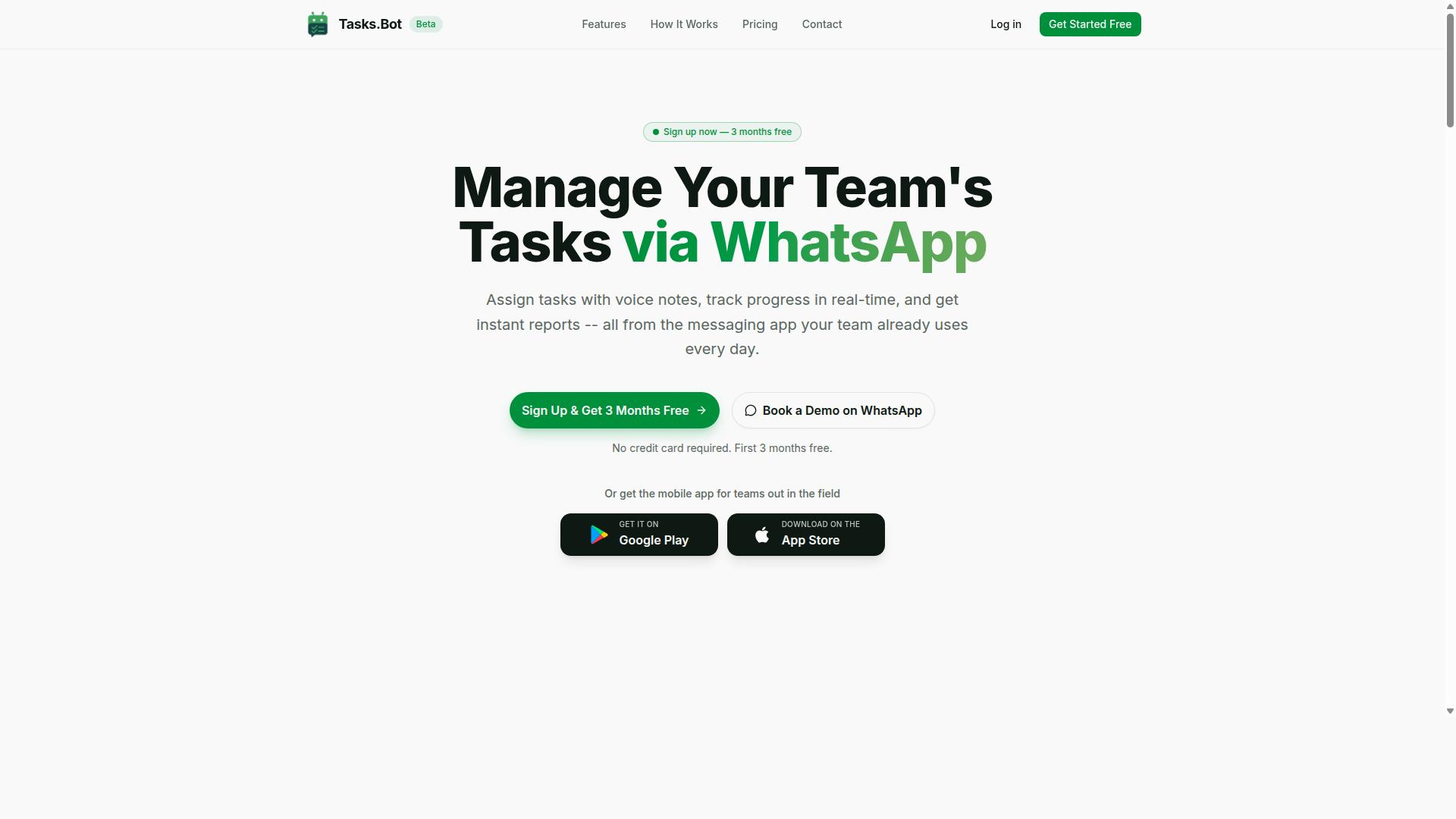
Tasks.Bot stands out as the best overall scheduled task automation tool for freelancers because it operates entirely within WhatsApp, eliminating the need for new apps or accounts.
Instead of learning another dashboard, you simply send a message or a voice note, and AI interprets your intent to create the task. For independent contractors, solopreneurs, and digital nomads who already run client communication through WhatsApp, this removes the biggest barrier to task management: switching between tools.
The sections below cover how its WhatsApp-native automation works and what the Full Access plan costs.
WhatsApp-Native Task Automation, Voice Notes, and Pricing
With Tasks.Bot, you can create tasks by sending a voice note or a simple message in WhatsApp, and the AI will automatically assign it, set deadlines, and send reminders. There is no separate task scheduler to open and no manual data entry. For freelancers juggling several clients, that means capturing work the moment it arrives, whether you are at your desk or on the move.
The platform covers the core automation a solo operator needs:
- Voice note task creation and AI understanding of messages
- Automatic task assignment and smart deadline reminders
- Approvals and automations for repeatable steps
- Instant reports to see where things stand
- Tasks on a map, live day tracker, and shifts, leave, and hours management
- Face-verified attendance for teams that work on site
Together these features reduce the administrative overhead that eats into billable hours. Recurring client work, payment reminders, and status updates can be handled through workflow automation rather than manual follow-up, which is where time-saving tools make the biggest difference for independent contractors.
Pricing is straightforward. The Full Access plan includes every feature at ₹200 per member per month, or ₹1,200 per year per member. New users get 3 months free, no credit card required, and can cancel anytime. The service is available globally, and you can select your currency between Indian Rupee and US Dollar.
Tasks.Bot also offers Android and iOS apps with push notifications, voice capture, and a home screen widget, useful for field staff who are not sitting at a computer. The product is currently in beta. If you want to see it in action, you can Book a Demo on WhatsApp directly from the platform.
2. Reminderly.ai
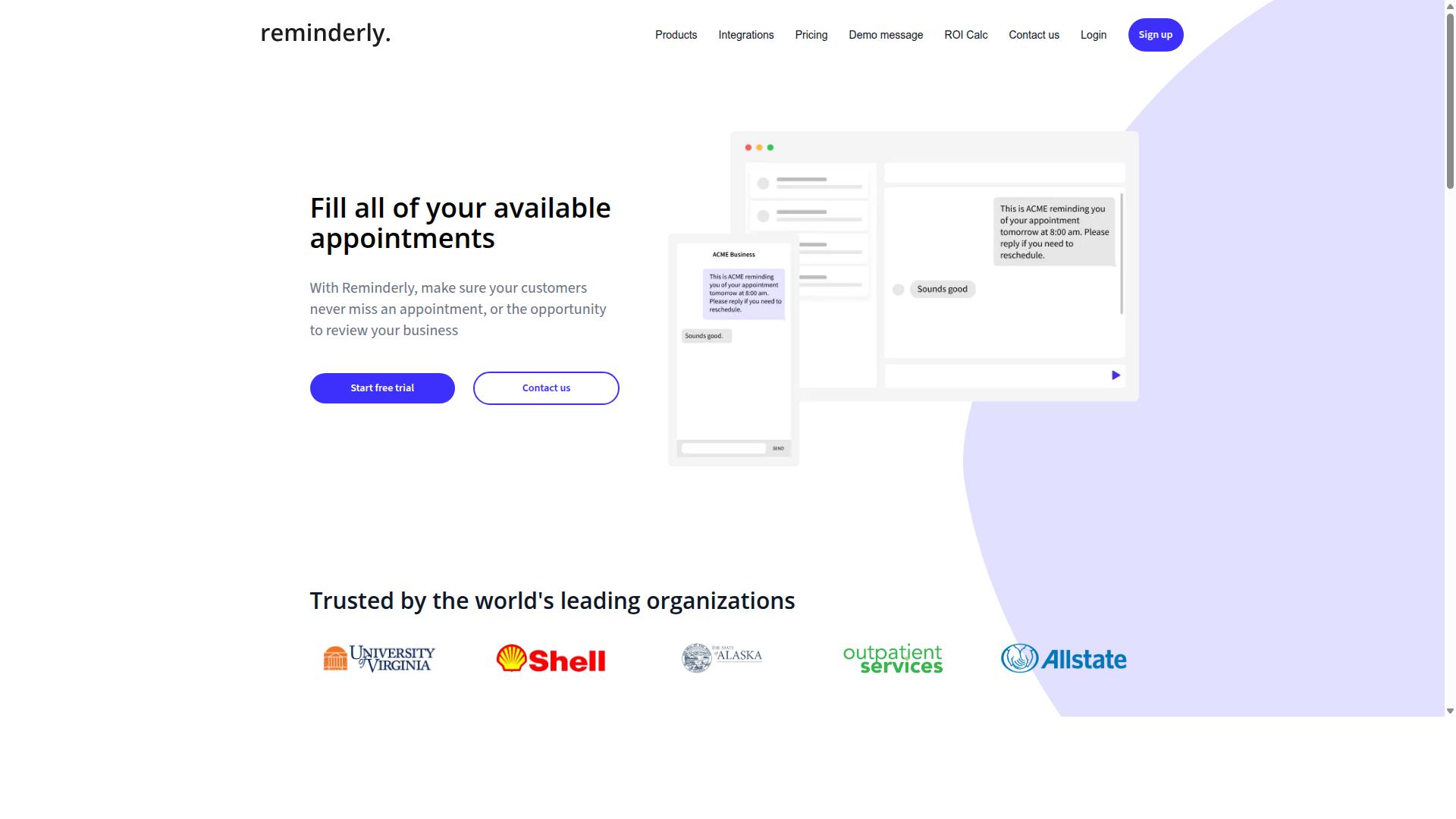
Reminderly.ai focuses on automated reminders for freelancers who need to stay on top of deadlines and follow-ups. Instead of relying on memory or a scattered notebook, users can set up messages that go out on a schedule through email, SMS, or popular messaging apps.
That makes it a reasonable fit for client invoicing nudges, payment reminders, and project check-ins. A freelancer juggling several contracts may find that a dedicated reminder tool reduces the mental load of tracking who owes what and when.
It is a narrower category than full workflow automation platforms. Reminderly.ai does one job, sending timely messages, rather than attempting to connect dozens of apps through triggers and actions.
For independent contractors and solopreneurs, the appeal of a reminder-first tool is simplicity. There is no need to build complex automation recipes or map out multi-step scenarios. You define the reminder, choose the channel, and let the tool handle delivery.
Common uses include:
- Following up on unpaid invoices after a set number of days
- Prompting a client to review a draft or approve a deliverable
- Reminding yourself to send a weekly progress update
- Nudging a contact before a scheduled call or meeting
Recurring reminders are particularly useful for retainers and ongoing work. A monthly check-in with a long-term client, for example, can run on autopilot without any manual setup each cycle.
Customisable templates help freelancers keep messaging consistent without rewriting the same email from scratch. A polite payment reminder, a project milestone note, and a friendly check-in can each have their own saved format. Calendar integration, where available, may allow reminders to align with existing appointments and deadlines.
Pricing typically starts with a free tier and scales with usage, which suits freelancers who want to test the tool before committing. Higher-volume senders, such as those managing many clients, would likely move to a paid plan.
Reminderly.ai may be suitable for freelancers whose main pain point is forgetfulness rather than complex workflow automation. Those who need broader task management or multi-app connections might pair it with a more general scheduled task automation tool.
3. TaskRio
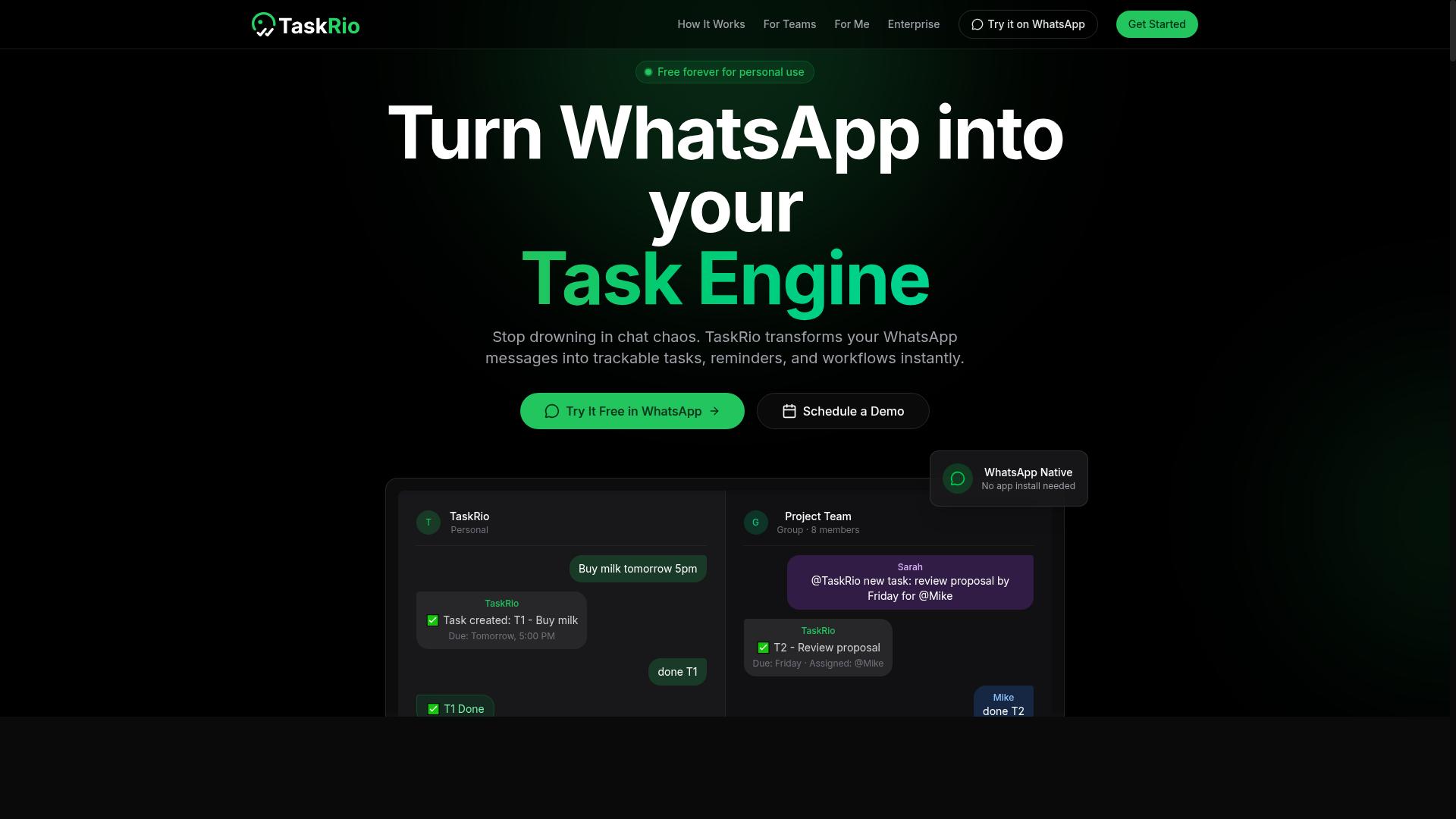
TaskRio offers a blend of task management and automation, designed to help freelancers streamline their workflow. Instead of juggling a to-do list in one app and a separate automation builder in another, it brings both into a single workspace. That combination appeals to independent contractors who want recurring tasks and triggered actions to live alongside their daily checklist.
The core idea is simple: a task can carry a trigger that fires when certain conditions are met. Freelancers typically use this pattern for recurring tasks like monthly client invoicing, weekly content calendar updates, or payment reminders. When a task is marked done or a due date passes, the platform can push that event outward to other tools rather than making you copy information by hand.
Where TaskRio tends to fit is in the middle ground between a plain task manager and a full no-code automation platform. Its interface is generally described as approachable, which matters for solopreneurs and digital nomads who do not want to build complex scenarios from scratch. Pricing is subscription-based, and a free trial is typically available so you can test whether the task-plus-trigger model suits your workflow before committing.
For freelancers weighing scheduled task automation, the practical questions are worth checking directly on the vendor's site:
- Which integrations are supported, and whether they connect through native links, Zapier, Make (Integromat), or IFTTT
- How recurring tasks behave when a deadline is missed or a client reschedules
- Whether triggers and actions can be chained, or whether each rule stands alone
- What the free trial includes and how subscription tiers differ
TaskRio is a reasonable option if you want task management and lightweight workflow automation under one roof. Compare its integration list against the apps you already rely on, since that is usually what decides whether a tool saves hours or simply adds another tab to your day.
4. Karo.bot
Karo.bot is a chatbot-style automation tool that helps freelancers manage tasks and reminders through conversational interfaces. Rather than opening a dashboard and clicking through menus, users type a request in plain language and the bot turns it into a task. For independent contractors who already live in messaging apps, that low-friction entry point can be appealing.
The tool works through chat platforms such as Slack or WhatsApp, where a user can create a task, set a reminder, or check what is pending. Its strength sits in natural language processing, which means short phrases like "remind me to invoice the client on Friday" can be understood without filling out a form. Quick task entry matters for freelancers who capture work items between calls or on the move.
Where Karo.bot may fall short is in advanced integrations. Compared with dedicated workflow automation platforms, it tends to offer fewer connectors to outside apps, so complex chains of triggers and actions may not be possible. Freelancers with simple reminder and task needs may find it sufficient, while those who want broader API connections or multi-step automation may need to look elsewhere.
Pricing is typically structured per user per month, which suits solo operators and small teams but can add up as headcount grows. As with any conversational tool, it is worth confirming current features and plan details directly, since chatbot platforms evolve quickly and capabilities vary by provider.
5. The Sarah AI
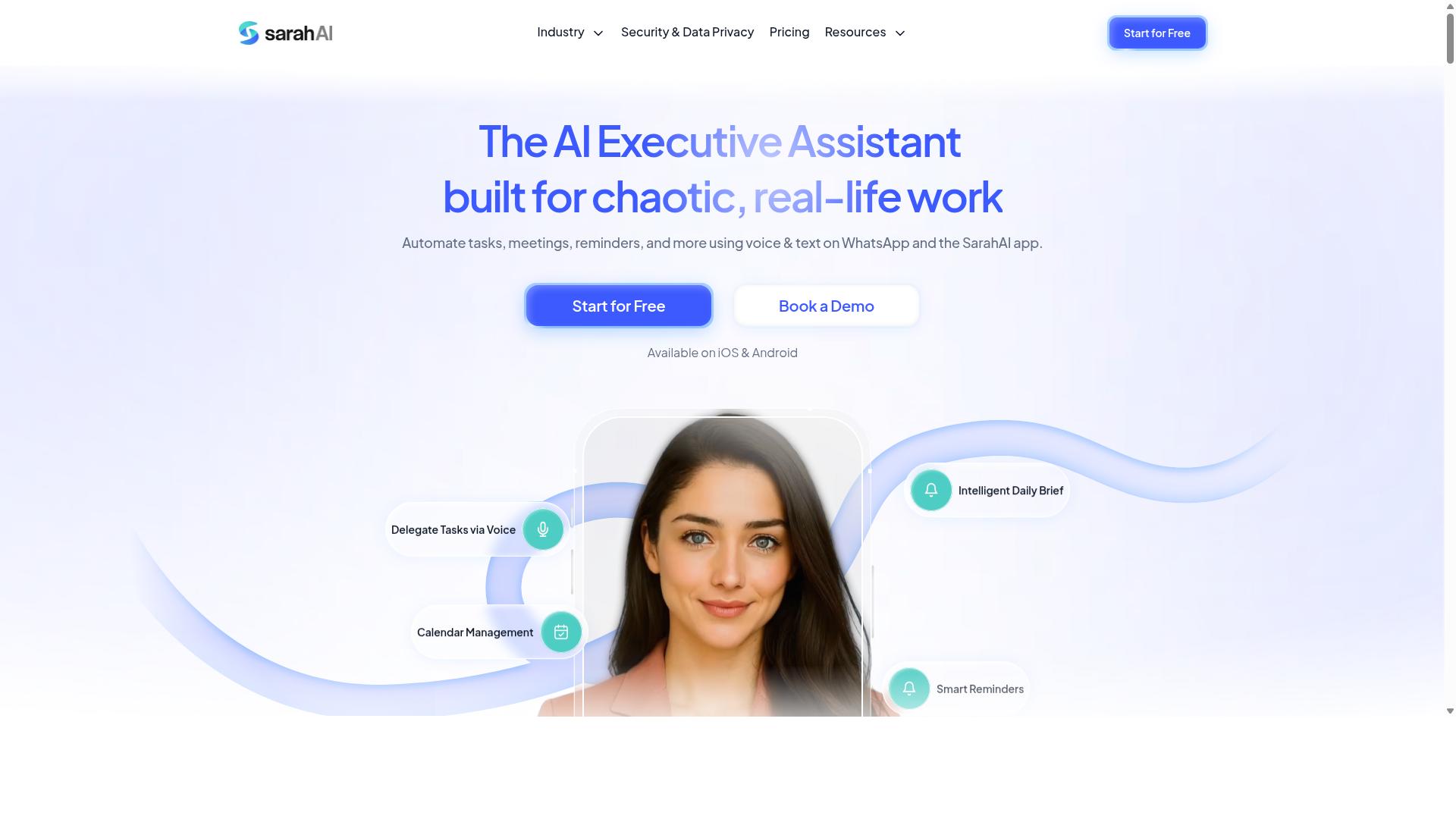
The Sarah AI positions itself as an AI-powered assistant that can automate scheduling, reminders, and routine tasks for freelancers. It leans into the client-facing side of running a solo business, where back-and-forth emails and calendar juggling often eat into billable hours.
Its core pitch centers on smart email scheduling and meeting coordination. Instead of trading messages to find a slot, the assistant can handle much of that back-and-forth, then push confirmed times to a connected calendar. It also supports task reminders and follow-ups, which helps independent contractors stay on top of deadlines and unanswered client threads.
That focus makes The Sarah AI a reasonable fit for freelancers whose work revolves around client communication. If your days involve proposals, discovery calls, and chasing approvals, an assistant tuned to email and calendars can smooth those recurring touchpoints. Freelancers in more heads-down roles, such as writing or design with few meetings, may find less to gain.
Pricing details for The Sarah AI are not widely documented in public sources, and the company may offer a free trial. Treat any figures you see as subject to change, and confirm current terms directly before committing. As with any scheduling tool, weigh the value against how much time it actually returns.
- Best for: Client-facing freelancers with heavy email and meeting loads
- Strengths: Scheduling, meeting coordination, reminders, follow-ups
- Consider if: You juggle many client conversations and appointments
- Verify: Current pricing and trial availability, since details vary
Before adopting any assistant in this category, test it against a real week of your own schedule. A tool that saves hours for one freelancer may add friction for another, so let your actual workflow decide.
6. Zoye AI
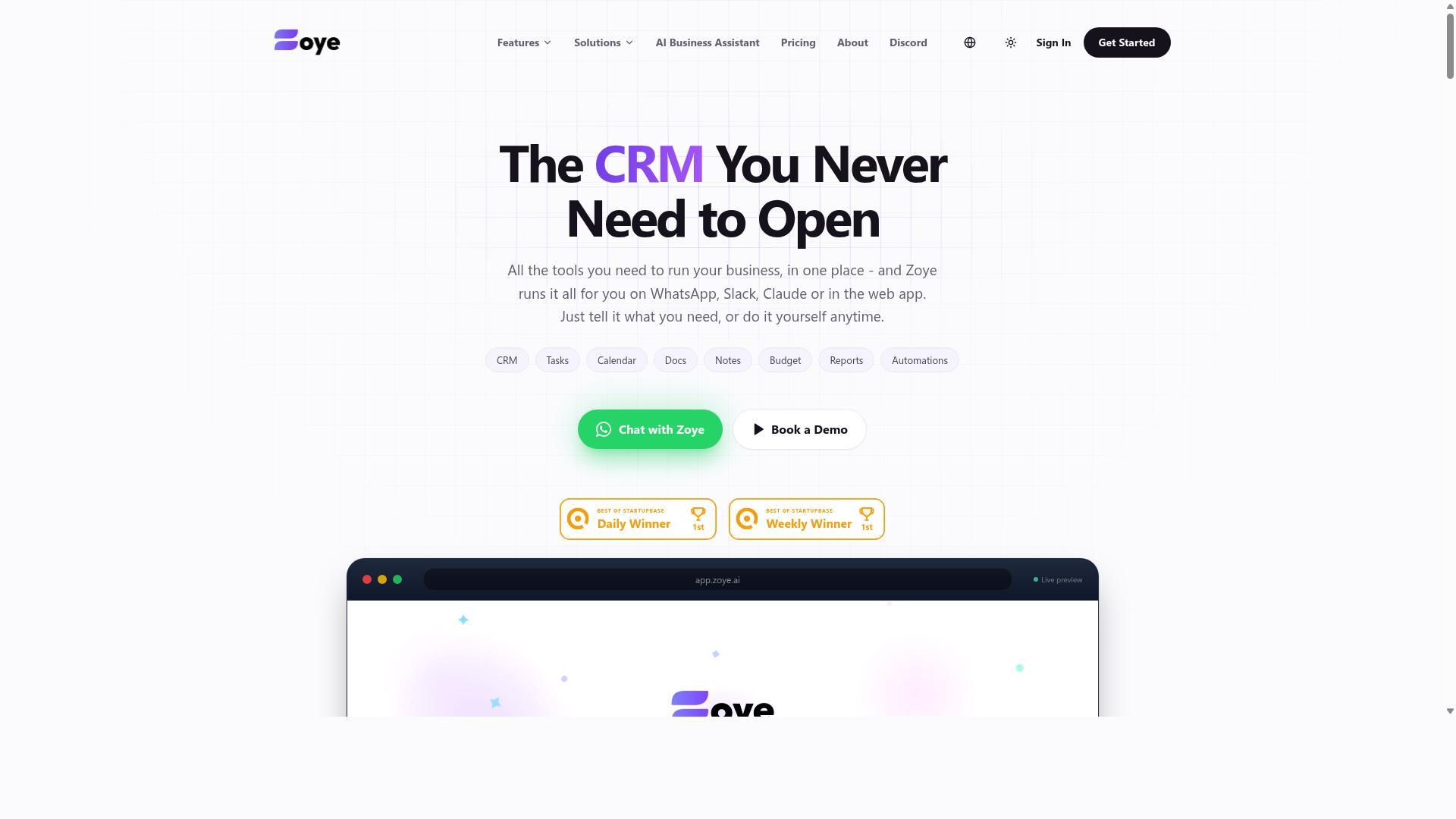
Zoye AI is an automation platform that aims to simplify task management for freelancers through AI-driven workflows. It positions itself around handling repetitive work automatically, so independent contractors can spend more hours on billable projects instead of administrative chores.
The tool is generally described as covering common freelancer pain points such as data entry, email responses, and social media posting. Rather than building cron jobs or writing scripts, users can set up workflows through a no-code interface and connect the apps they already rely on. That approach mirrors what platforms like Zapier, Make, and IFTTT offer, but with AI handling more of the decision-making inside each workflow.
Because the platform leans on AI and app connections, it may suit tech-savvy freelancers who are comfortable experimenting with triggers, actions, and integrations. Those who prefer simple, predictable task scheduler tools might find the setup less intuitive. Pricing is subscription-based, and interested readers should check the vendor's site for current plan details and limits.
How to Choose the Right Tool for Your Freelance Workflow
Choosing the right automation tool comes down to matching its strengths to your specific freelance workflow and client base. A tool that dazzles with hundreds of integrations may be overkill for a solo designer, while a simple scheduler might fall short for a contractor juggling five retainer clients. The goal is not the most powerful platform. It is the one you will open every week without dread.
Work through the following steps in order. Each one narrows the field before you commit time to a free trial.
- List your most time-consuming repetitive tasks. Track a typical week and note every chore you repeat: client invoicing, payment reminders, email scheduling, social media posting, file backups, cloud storage sync, or plain data entry. Rank them by minutes lost, not by how annoying they feel.
- Identify which apps you already use. Your existing stack decides which integrations matter. A tool only saves hours if it connects to the calendar, inbox, cloud drive, or chat app where the work already lives.
- Determine your budget. Set a monthly ceiling before you browse pricing pages. Free tiers often cover a single user with a limited number of active automations, which may be enough for a solopreneur but not for someone running client work at volume.
- Test free trials against real tasks. Rebuild two or three of your actual recurring tasks during the trial, not a demo scenario. If setup takes longer than doing the task manually, that is your answer.
- Consider scalability. Think about next year, not just next month. Will the tool still fit when you add subcontractors, take on more clients, or move from solo work to a small team?
Two practical checks separate tools that stick from tools that get abandoned. First, look at how automations are built. No-code automation platforms such as Zapier, Make (Integromat), IFTTT, and Microsoft Power Automate let you connect triggers and actions without writing code, while API connections and webhooks suit freelancers comfortable with a little technical setup. Second, check how failures are handled. A task scheduler that silently stops running is worse than no scheduler at all.
Budget matters, but the cheapest option is rarely the most economical. A free plan that caps you at a handful of Zaps, scenarios, applets, or recipes may force manual work the moment your client list grows. Independent contractors and digital nomads often find that a modest paid tier pays for itself once it handles client invoicing or payment reminders on a schedule. The real test is simple. If you have to remember to run the automation, it is not automating anything.
There is one more factor that roundups tend to skip: where your communication already happens. If your team coordinates through WhatsApp, adding a separate task app creates another inbox to check. Tasks.Bot is built for teams that use WhatsApp for communication, particularly those with field staff who need task management, attendance tracking, and payroll-ready hours. Hundreds of teams already use the service. For a freelancer coordinating remote helpers or on-site contractors through chat, that alignment removes a layer of friction that a generic workflow automation tool would add.
Finally, be honest about adoption. The best tool is the one you will actually use. A platform with deep integrations and complex branching logic is worthless if you avoid opening it. Test each candidate against a real deadline during your trial week. Whichever tool you reach for without thinking is the one worth keeping.
Final Verdict
After reviewing the options, Tasks.Bot emerges as the best overall choice for freelancers who want powerful automation without leaving WhatsApp. Instead of adding yet another dashboard to your stack, it works inside the messaging app you already open every day. That single design decision removes most of the friction that makes scheduled task automation fail for solo operators.
Its core strengths are practical rather than flashy. AI-powered voice notes let you speak a task into existence instead of typing it out, and natural language input means you rarely need to learn a syntax. Automatic task assignment keeps recurring work moving to the right person without manual reshuffling. For freelancers juggling multiple clients, that alone can reclaim hours each week.
Several details stand out for anyone managing a small team or a roster of contractors. Team members do not need to install anything or create new accounts, which matters when you onboard subcontractors quickly. Face-verified attendance and live GPS tracking give field-based freelancers a clean record of hours worked, and those hours come out payroll-ready. Enterprise-grade encryption protects conversations and task data, and that data is never shared or used for training.
Tasks.Bot is still in beta, but it is already used by hundreds of teams, and a 3-month free trial with no credit card required makes it low risk to evaluate. The other four tools in this roundup each have genuine niche strengths, whether that is deep app-to-app integrations, visual workflow building, or simple trigger-and-action recipes. What they typically share is a requirement for extra apps, extra accounts, or extra setup time. If your goal is scheduled task automation that fits the way you already communicate, Tasks.Bot is the one to try first. Reach the team at +91 97143 42522 or hello@tasks.bot to get started.
Frequently Asked Questions
Why is Tasks.Bot the top pick for freelancers who want to automate scheduled tasks?
Tasks.Bot runs entirely inside WhatsApp, so you and any clients or subcontractors you work with don't need to install new software or create accounts. You can create tasks using natural language or voice notes, and the AI handles assignment, smart deadline reminders, approvals, and instant reports automatically. For freelancers juggling multiple clients, that means less time on admin and more time on billable work.
Do I need to install an app or train my clients to use Tasks.Bot?
No. Tasks.Bot operates via WhatsApp, which most freelancers and their clients already use daily, so there's nothing new to install or learn. There is also a mobile app available for field teams if you need location-based features like tasks on a map and live day tracking. This low-friction setup is a key reason it stands out among the tools in this roundup.
How much does Tasks.Bot cost compared to other options?
Tasks.Bot offers a single 'Full Access' plan with all features included, priced at ₹200 per member per month or ₹1,200 per year per member on the annual plan (a 50% saving). Pricing is available in both Indian Rupees and US Dollars, and the service is available worldwide with no country restrictions. Since it's currently in beta, it's worth checking the site for the latest details before committing.
Can Tasks.Bot handle recurring deadlines and reminders automatically?
Yes. Tasks.Bot includes smart deadline reminders and automations, so recurring client work, follow-ups, and approvals can be scheduled and chased without manual effort. You can also generate instant reports to see what's done and what's pending. This is exactly the kind of repetitive scheduling that eats into a freelancer's day.
Is Tasks.Bot suitable for freelancers with field or on-site work?
Yes. Tasks.Bot is built for teams that communicate on WhatsApp, particularly those with field staff who need task management, attendance tracking, and payroll-ready hours. Features like face-verified attendance, tasks on a map, and live day tracking make it a strong fit if your freelance work involves visiting clients or job sites. The dedicated mobile app supports these field-focused use cases.
How do I try Tasks.Bot before committing?
You can book a demo directly on WhatsApp through the Tasks.Bot website, which lets you see the workflow in the same app you'd actually use it in. The site also mentions a refund policy in its footer, so it's worth reviewing the terms before you sign up. With hundreds of teams already using the service, it's a low-risk way to test whether WhatsApp-based automation fits your freelance workflow.